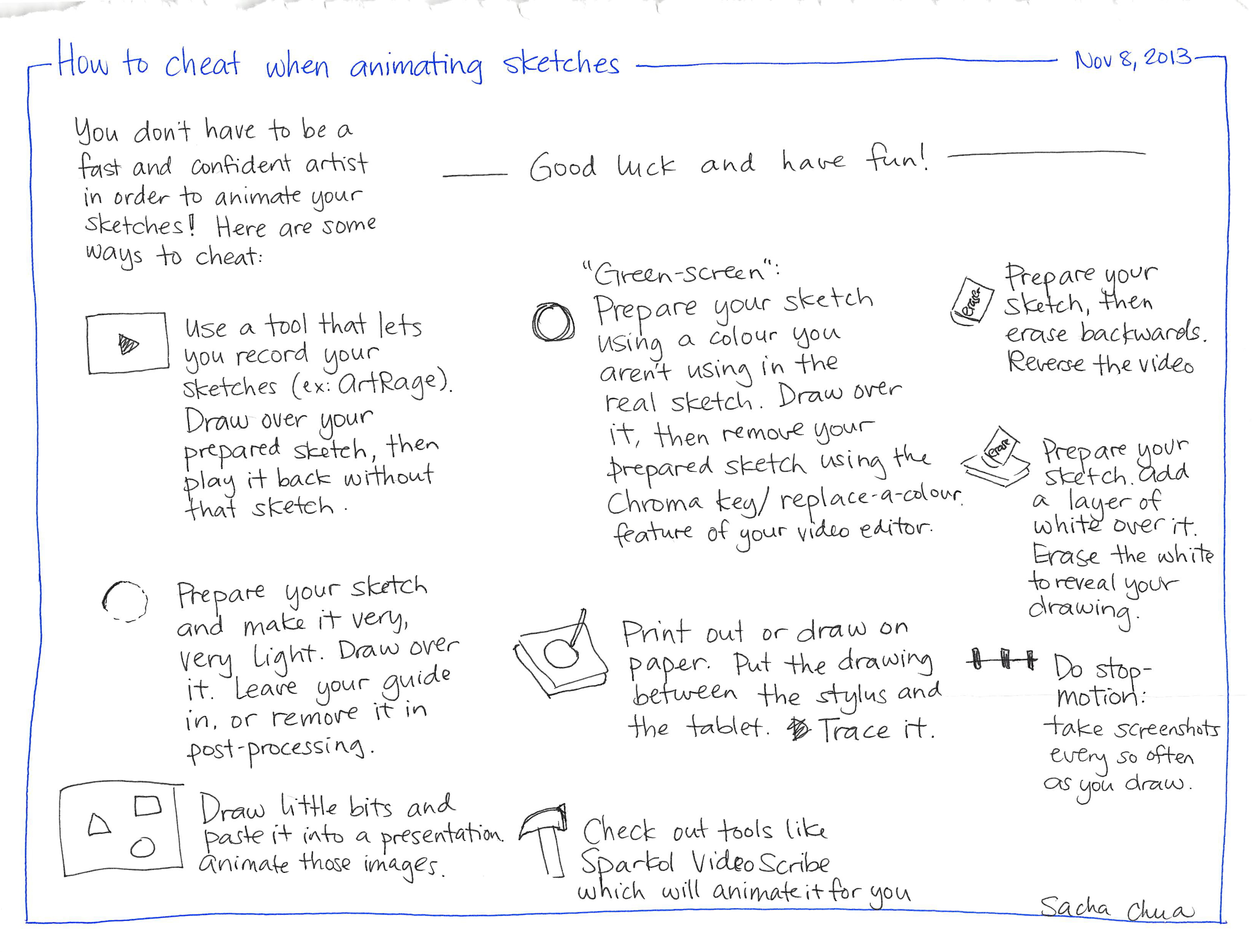


How to cheat when animating sketches
You don't have to be a fast and confident artist in order to animate your sketches! Here are some ways to cheat: O Use a tool that lets you record your Sketches (ex: ArtRage). Draw over your prepared sketch, then play it back without that sketch. Prepare your sketch and make it very, Very Light. Draw over it. Leave your guide in, or remove it in post-processing. Draw little bits and Good luck and have fun! 0 "Green-screen": Prepare your sketch using a colour you aren't using in the real sketch. Draw over it, then remove your prepared sketch using the Chroma key/ replace-a-colour. feature of your video editor. Print out or draw on erase erase Nov 8, 2013 Prepare your sketch, then erase backwards. Reverse the video Prepare your sketch. add a layer of white over it. Erase the white to reveal your drawing. paper. Put the drawing Do stop- between the stylus and the tablet. Trace it. Check out tools like motion: take screenshots every so often as you draw. о paste it into a presentation animate those images. T Sparkol Video Scribe which will animate it for you Sacha chua